
Discovery and topology
Automatically discovering hosts, services and relationships, and keeping knowledge of the infrastructure up to date.
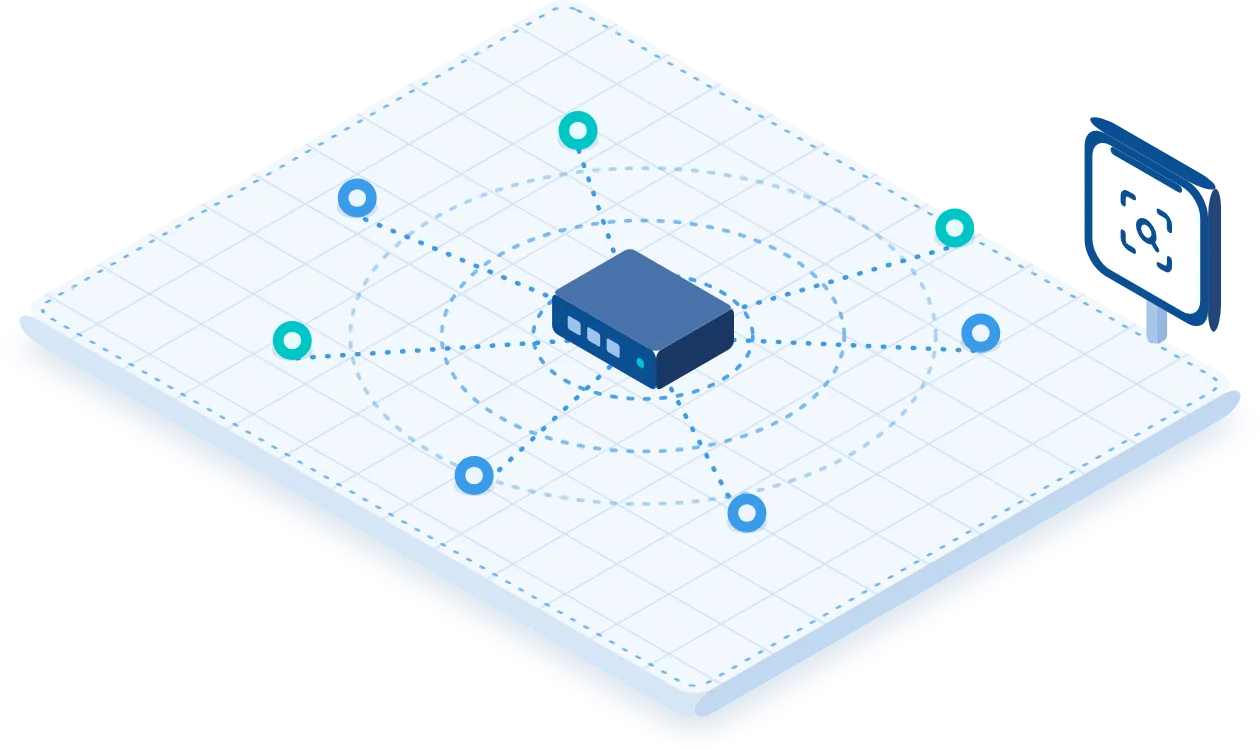
Knowing what is on the network, and how it is connected
Autodiscovery automates the detection of all devices connected to the network with layer 2 scans (MAC, LLDP, SNMP traps) and layer 3 scans (IP, SSH, SNMP). By integrating L2 and L3 techniques it finds “ghost” or unregistered devices, dynamically updates the inventory and generates immediate notifications for every new or unexpected resource.
The autodiscovery engine detects hosts, services, components and dependencies, and automatically defines monitoring templates and the dependencies between services.
The search can be configured at different levels of depth and scheduled at regular intervals, to catch changes made after the initial survey.
Network Topology combines the view of individual devices with a representation of the connections and relationships between them.
- Layer 2: MAC, LLDP, SNMP traps
- Layer 3: IP, SSH, SNMP
- Ghost or unregistered devices identified and notified
- Normal, fast or thorough mode
- Searches can be scheduled at regular intervals
- Automatic definition of templates and dependencies between services
From search to monitoring, in five steps
Discovery does more than list addresses: it compares what it finds with what is already monitored and brings new elements under control by applying Patterns and templates.
- Defining the scope and the search mode: normal, fast or thorough.
- Identifying the addresses and devices reachable in the segment examined.
- Detecting the available ports and services and the infrastructure information that can be retrieved.
- Comparison with the inventory: new, unexpected or unregistered systems or services are highlighted and notified.
- Adding the elements to monitoring and applying checks through Patterns or templates.
Reading a fault in its context
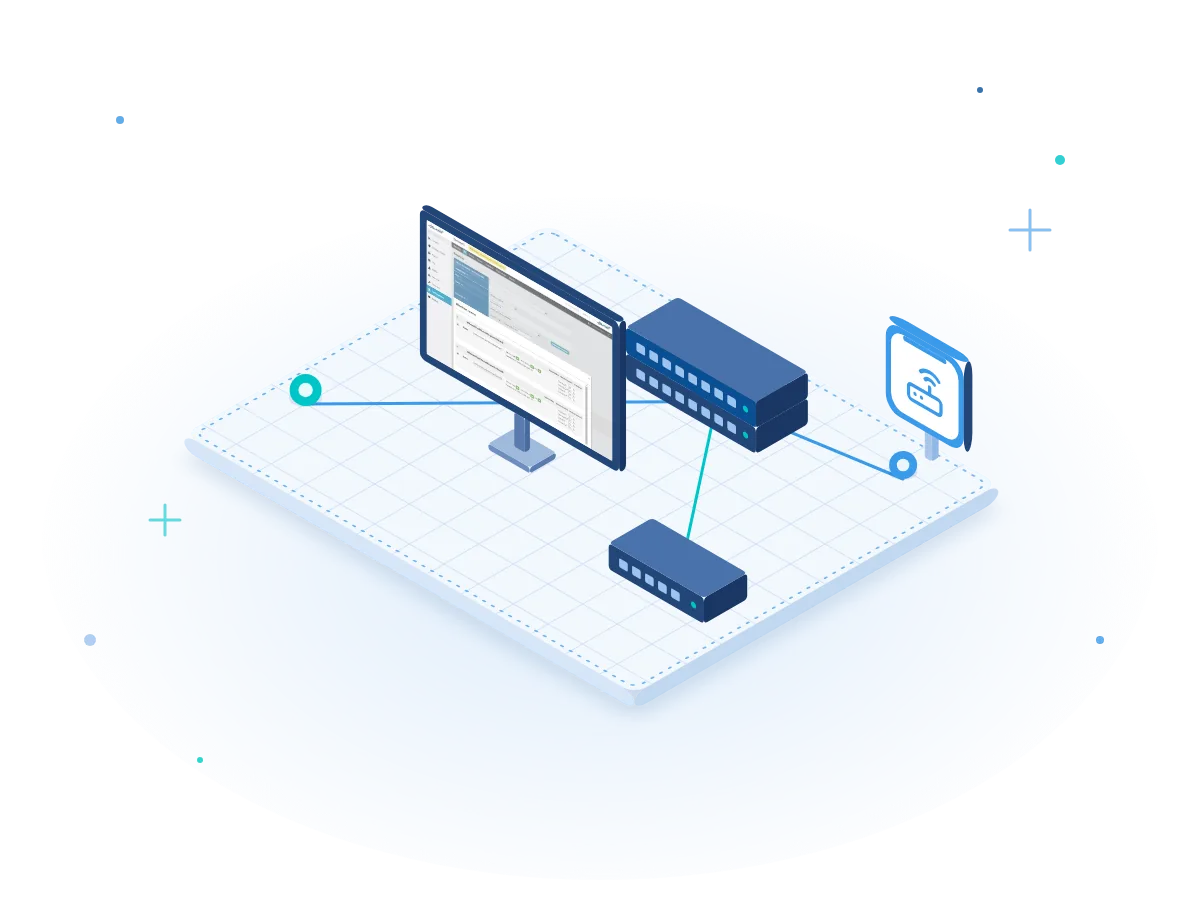
Knowing the nodes, links and reachability makes it possible to understand where the problem really lies: in the device being observed, in a link or in a node on which the device depends.
Autodiscovery
Identifies the elements to be managed: hosts, ports and services present on the network.
Network Topology
Helps to understand where they sit operationally and what they depend on.
Layer 2 topology: LLDP, CDP and VLANs
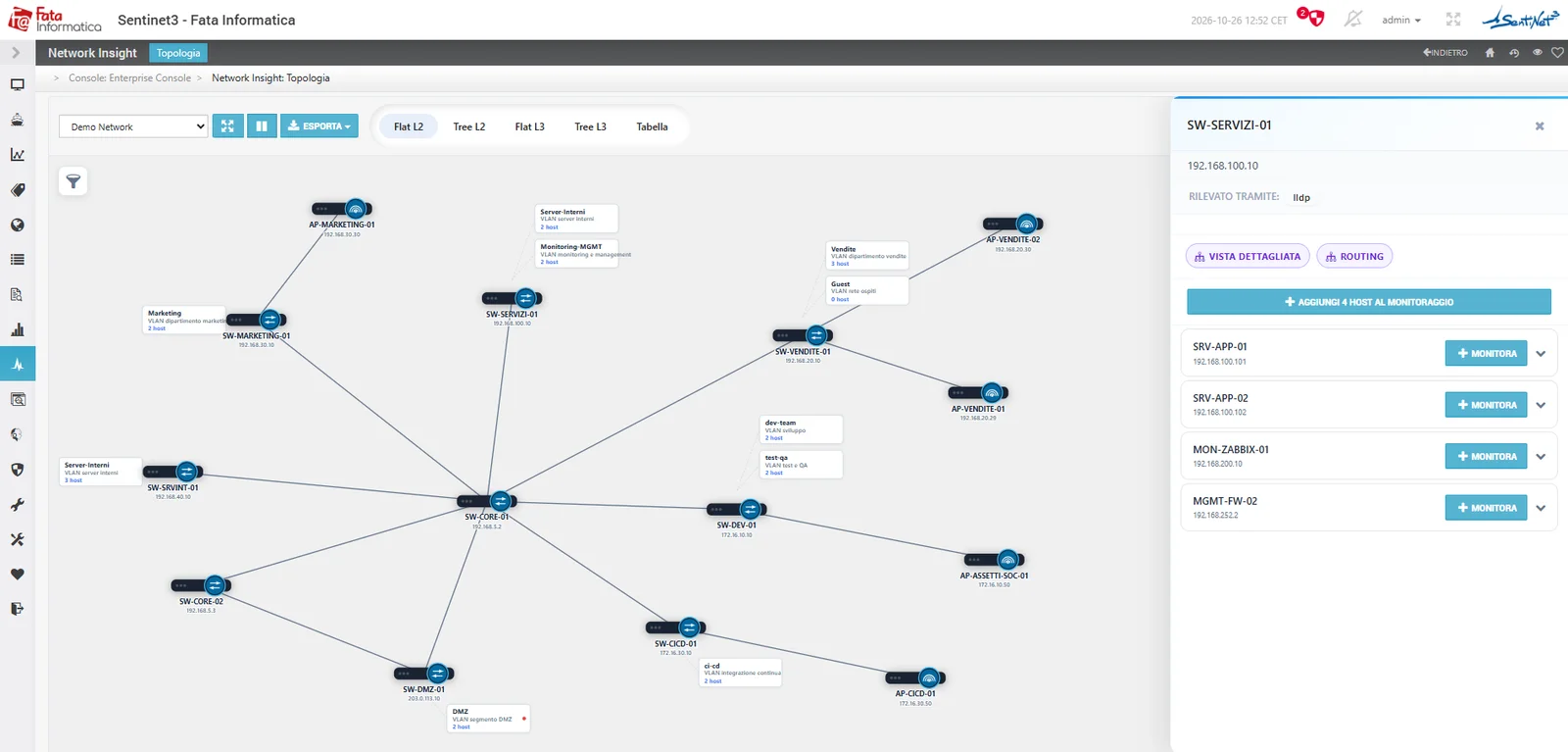
Discovery reconstructs assets and connections using SNMP, LLDP and CDP, placing them in functional and topology maps. The model can be completed with survey activities and topology additions when some segments are not directly reachable.
Topologies make it possible to examine devices, segments, VLANs, links, dependencies and relationships with services and applications. Monitoring also includes industrial and IoT devices, where they can be monitored.
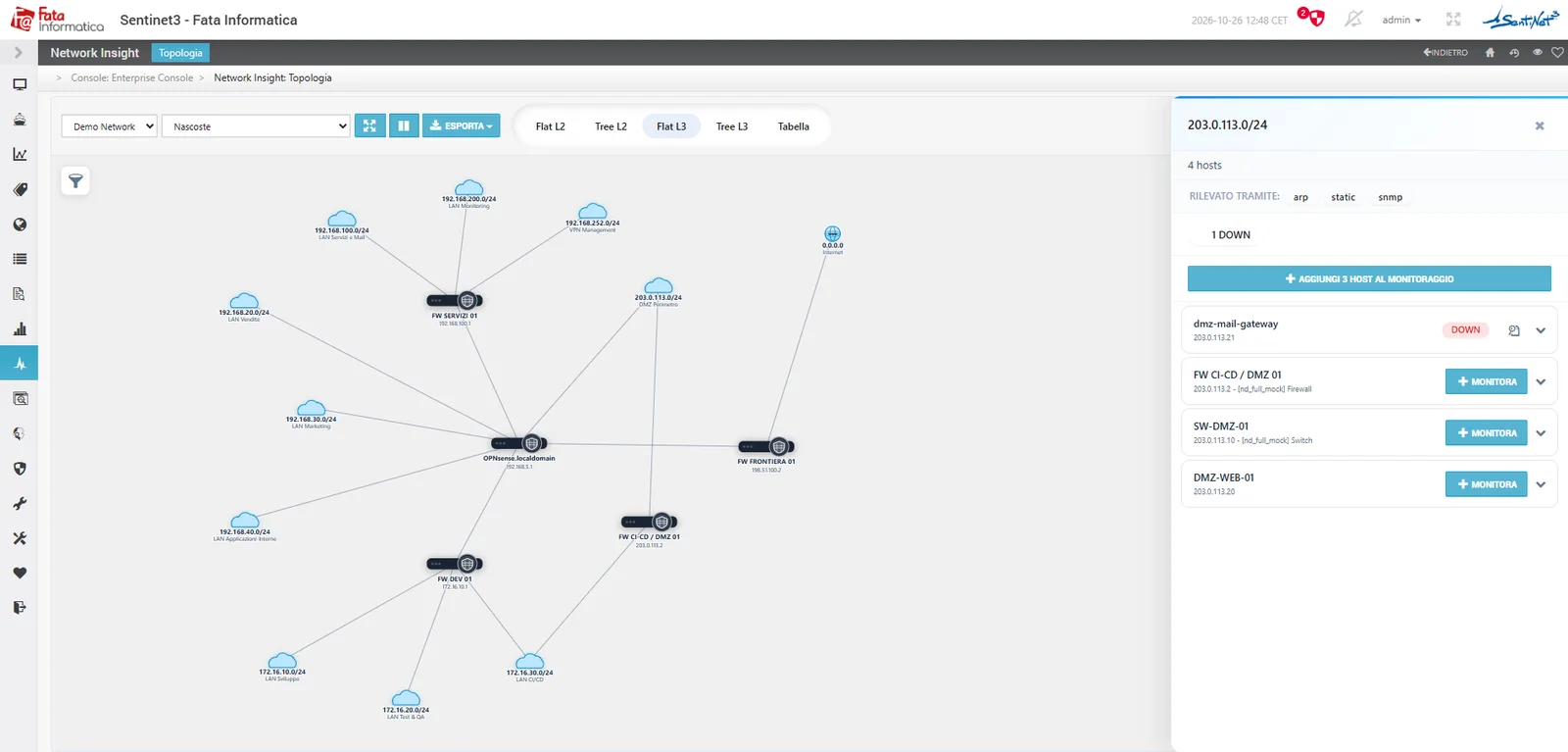
The topology can be viewed as flat or tree views, at layer 2 and layer 3, or as a table. Selecting a network or a device shows how it was detected (ARP, static, SNMP, LLDP), its status and the hosts not yet monitored, which can be added to monitoring one by one or all at once.
- SNMP
- LLDP
- CDP
- ARP
- VLAN
- Segments
- Dependencies
- L2 and L3 views
The context for Infinity. Topology is the foundation on which the Infinity modules read an alarm or a vulnerability in relation to what the asset can affect. Discover Sentinet³ Infinity
A new service to bring under control
Autodiscovery detects a host and its available ports. A Pattern associated with the technology quickly configures the checks, the console includes the new operational states and the device enters the monitoring maps and reports.
All scenariosRelated topics
Want to see Sentinet³ on your infrastructure?
Tell us about your environment: sites, technologies, critical services. We will show you how Core and Infinity can work on your case.