
Alerts and automation
Events become timely communications, clearly assigned responsibilities and, where appropriate, corrective actions.
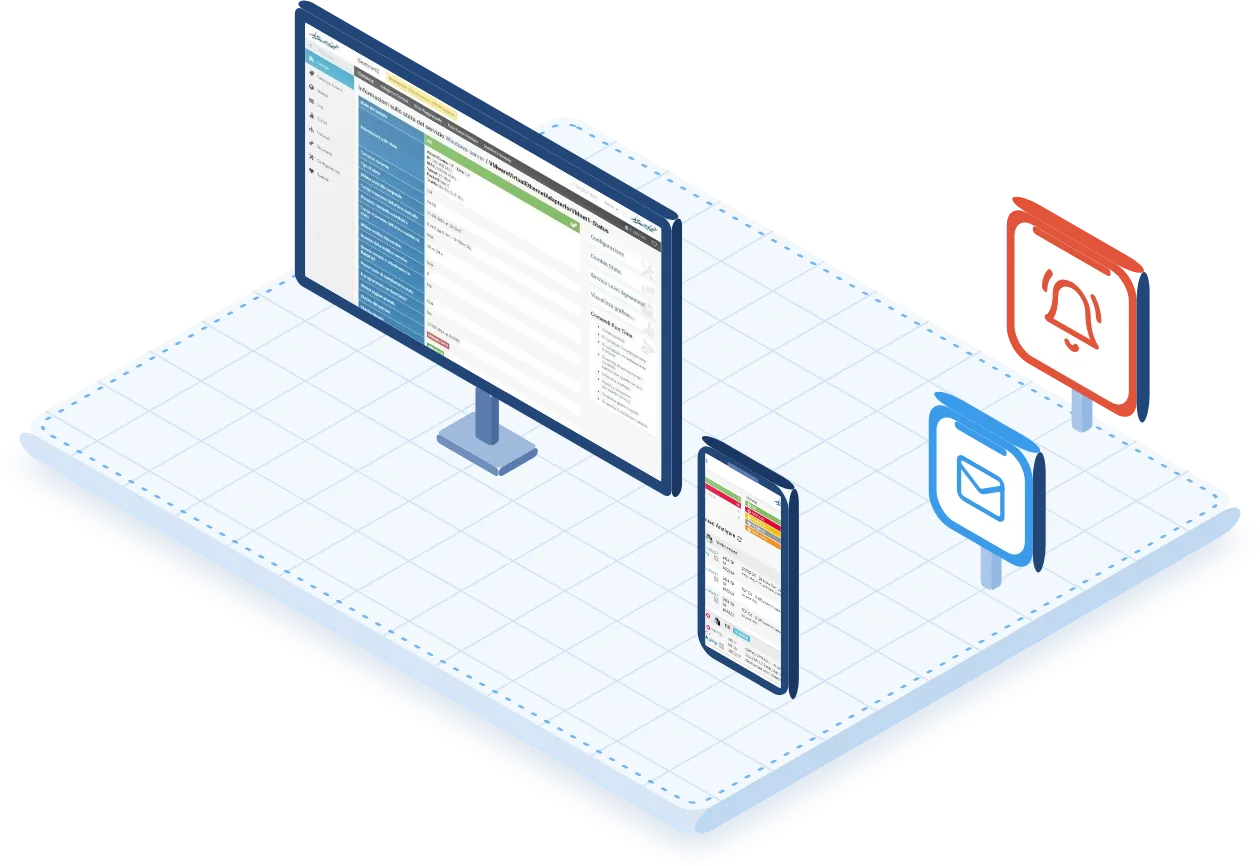
The right channel, with the technical context you need
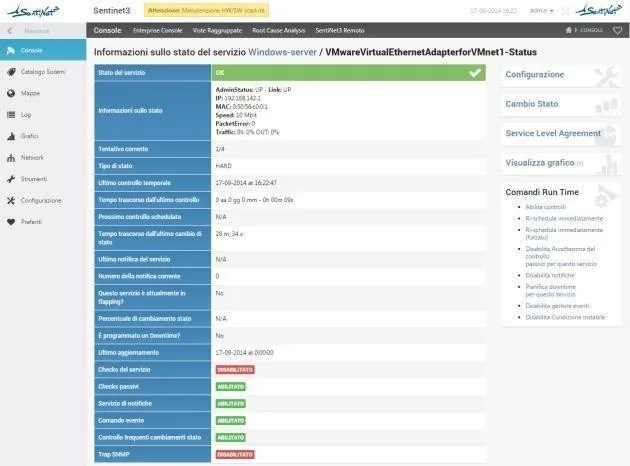
When a metric crosses a threshold or a service changes state, Core triggers notifications and passes on the technical context needed for diagnosis. The channel is chosen according to the type of event and the operational configuration.
- Notifications customisable in content, format and frequency
- Tied to static or dynamic thresholds, including those calculated by the Behavioural Learning Engine
- Distributed by role, group or individual responsibility, with selective delivery based on hours, shifts and the operational calendar
Messages with customisable templates that carry the technical context of the event.
SMS and push notifications
Immediate alerts on the mobile devices of on-call staff.
Instant messaging
Integration with Telegram, Microsoft Teams and Slack, to reach teams in the channels they work in.
Voice calls
Spoken notifications for critical alerts that need to be picked up immediately.
Console ringtones
Audible signal in the console for critical alarms, for the operations room.
SNMP traps and HTTP POST
Additional channels available in environmental monitoring scenarios.
Every alert to the person on duty
The operational calendar defines custom time slots for each user, team or site and distributes alerts according to on-call shifts. Service calendars are viewed and managed directly from the web interface.
Conditional rules govern alert routing, for example:
- if the event occurs at night, the on-call person is notified;
- if it is a public holiday, a second escalation level is notified.
No alert depends on a single operator
Contacts can be organised into groups and hierarchies. If the event is not handled within the set interval, the system automatically hands the alert over to the next level.
- The event reaches the relevant on-call group.
- The problem persists or is not taken on within the set interval.
- The alert moves up to the next level of the hierarchy.

Fewer messages, same information
The anti-flooding mechanism limits redundant notifications when an event repeats within a short time: it sets a maximum number of notifications per event within a time window, consolidates recurring alerts into a single aggregated event and applies deduplication and time-correlation logic.
Alerts are classified by severity level, so that every event gets the attention it deserves.
- Distinction between warnings, critical conditions and emergencies
- Automatic escalation of events that are ignored or not handled within set intervals
- Silencing rules (maintenance mode) for expected events or ongoing maintenance
During a widespread outage the information content is preserved without needlessly multiplying messages.
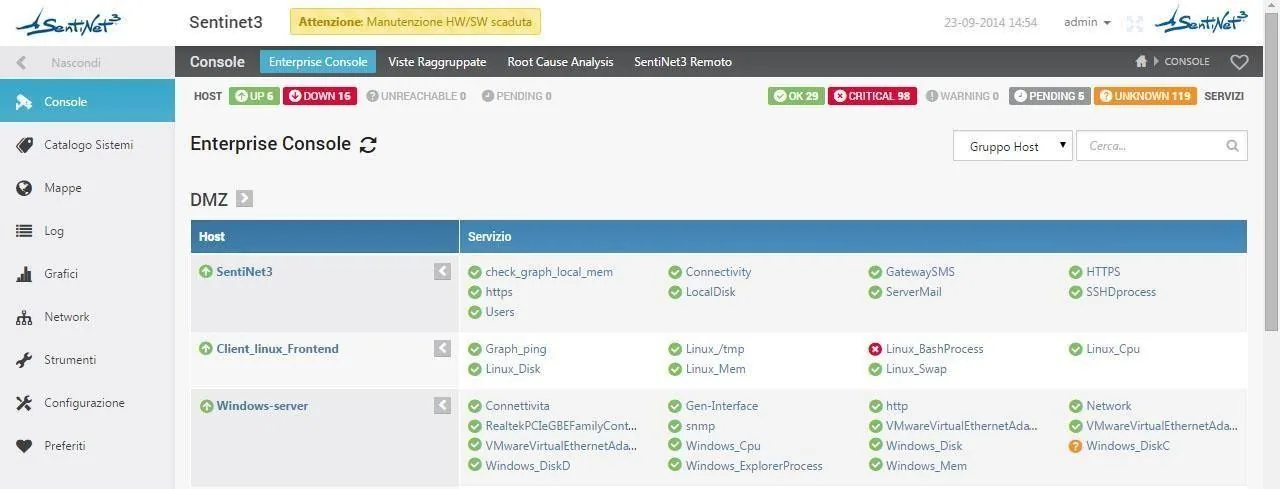
From alert to corrective action
When specific events occur or thresholds are exceeded, the platform automatically triggers predefined actions. Actions are:
- configurable for a single event or a group of events;
- conditioned by time of day, system states, severity and the results of previous checks;
- recorded in the audit log, for traceability and compliance.
Carefully designed actions. Actions must be authorised and designed with reversibility, dependencies and service continuity in mind.

| Action | What it does |
|---|---|
| Remote commands and scripts | Running commands or scripts via SSH, API, PowerShell and other channels. |
| Restart | Restarting monitored services or systems. |
| Isolation | Isolating network components or individual interfaces. |
| Mitigation | Activating a mitigation device or a maintenance procedure. |
| External automated response | Integration with external automated response systems, orchestrators and SOAR platforms. |
| Ticketing | Automatic creation of tickets or requests in ITSM systems. |
Every notification, event and action stays on record
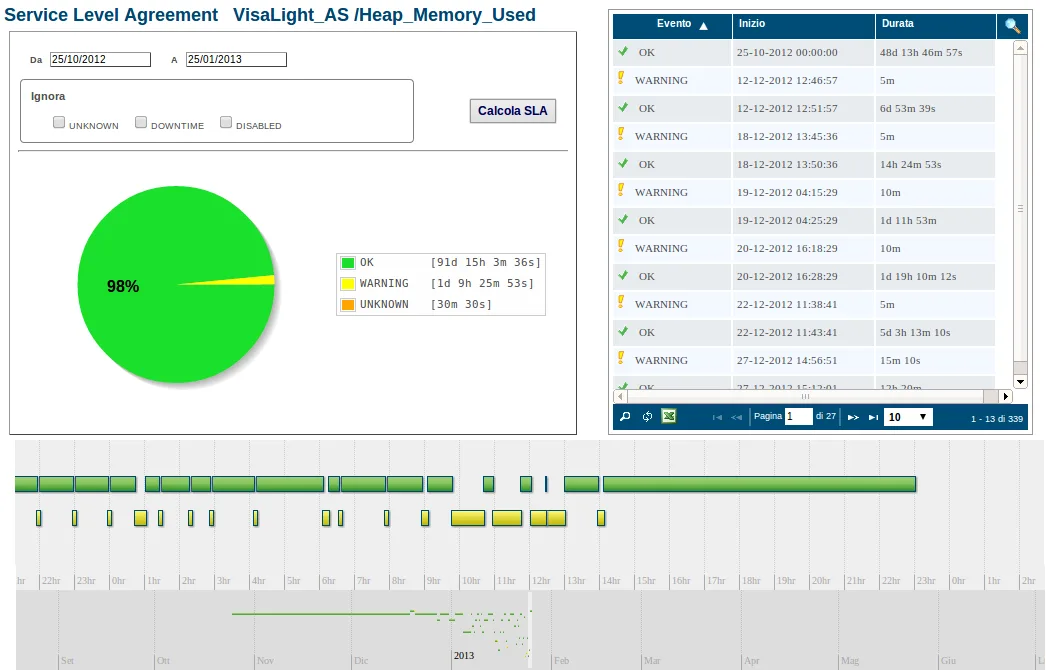
Notifications, events and actions are tracked automatically and stored in a searchable audit log, where historical alerts can be searched and analysed. Records also include state changes, SNMP traps, logins and system logs.
The information can be exported in the formats provided by the platform for further processing or reporting needs, for example together with SLA reports.
| Recorded information | Content |
|---|---|
| Date and time | When the event occurred and the notification was sent. |
| Source | The host, service or check that raised the alert. |
| Recipients | Users, groups and channels the notification was addressed to. |
| Delivery status | The outcome of the notification delivery. |
| Response taken | The automatic or manual action taken in response to the event. |
| Outcomes and correlations | The result of the response and its link to other correlated events. |
Gradual saturation of a service
A mail service keeps responding, but free disk space is steadily shrinking. Core detects the threshold breaches, notifies the people responsible and can trigger a pre-authorised automated mitigation procedure. The operator reviews history and graphs to assess urgency and prevent an outage.
All scenariosRelated topics
Want to see Sentinet³ on your infrastructure?
Tell us about your environment: sites, technologies, critical services. We will show you how Core and Infinity can work on your case.